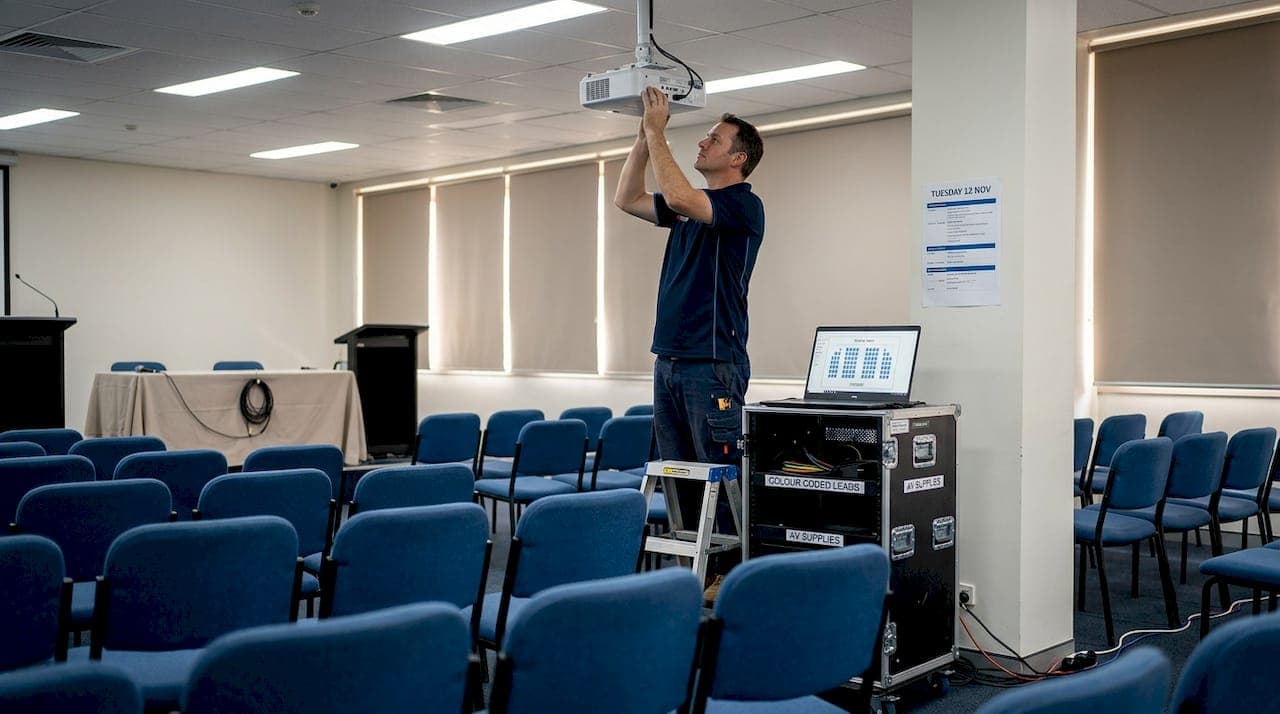
TL;DR:
- Proper planning and equipment matching are essential to prevent common AV failures at conferences.
- Building ongoing relationships with skilled AV partners ensures proactive support and reliable event execution.
- Thorough testing, contingency planning, and technology integration are key to delivering flawless presentation experiences.
A single microphone cutting out mid-keynote can unravel hours of careful preparation. For venue managers across Australia, the pressure to deliver flawless audio-visual experiences at corporate conferences is real and constant. Attendees expect crisp sound, sharp visuals, and technology that simply works. When it doesn't, the damage to your venue's reputation can linger long after the event ends. The good news is that most AV failures are preventable. With the right planning, equipment choices, and technology integration, you can consistently deliver events that run without a hitch. These practical, expert-backed tips will help you do exactly that.
Table of Contents
- Identify core AV requirements for every event
- Choose the right AV equipment for venue success
- Integrate technology for seamless presentations
- Plan for troubleshooting and contingency
- The overlooked advantage: proactive AV partnership pays off
- Enhance your venue's events with expert AV solutions
- Frequently asked questions
Key Takeaways
| Point | Details |
|---|---|
| Tailor AV to event needs | Customising your AV setup by event size and requirements prevents many last-minute headaches. |
| Invest in quality equipment | Modern, well-maintained gear dramatically reduces technical issues and impresses attendees. |
| Prioritise integration and testing | Seamless technology integration and thorough pre-event testing are vital for conference success. |
| Prepare for troubleshooting | A clear plan for rapid AV fixes protects your reputation and keeps events running smoothly. |
Identify core AV requirements for every event
First, let's clarify how to evaluate your venue's AV needs. Every successful conference starts with a clear picture of what the event actually requires. Jumping straight to equipment selection without this step is one of the most common mistakes venue managers make.
Start by assessing three fundamentals: audience size, event type, and the physical space. A boardroom briefing for 20 executives has very different AV demands compared to a 500-person product launch in a ballroom. The room's acoustics, ceiling height, natural light, and layout all influence which solutions will perform best.
Matching AV setup to event purpose increases attendee satisfaction and reduces technical issues. This means you need to think about purpose before gear. Is the event presentation-heavy? Will there be panel discussions? Does it involve live streaming to remote participants? Each scenario calls for a tailored approach.
Here are the core AV must-haves for most corporate conferences:
- Microphones: Lapel, handheld, and podium microphones each serve different presentation styles. Confirm which your speakers prefer.
- Speakers and amplification: Coverage must reach every corner of the room without dead zones or feedback.
- Projectors or LED screens: Screen size should be proportional to room depth so the back row can read every slide clearly.
- Lighting: Ambient, stage, and accent lighting all contribute to how professional your event looks on camera and in person.
- Reliable connectivity: Wired and wireless internet must support streaming, presentation sharing, and any interactive tools.
- Mixing desk: Essential for managing multiple audio inputs cleanly during complex programmes.
For a structured approach to planning these elements, the AV coordination guide offers a thorough framework that venue managers find genuinely useful.
Pro Tip: Send a short AV requirements questionnaire to every presenter at least two weeks before the event. Ask about slide formats, video clips, remote participants, and any accessibility needs. You'll avoid last-minute surprises that no amount of backup gear can fix.
Documenting requirements in a single shared brief also keeps your AV team, event coordinator, and venue staff aligned. Clarity at this stage pays dividends on the day.
Choose the right AV equipment for venue success
With requirements defined, it's time to select the right equipment for your venue. The market offers a wide range of options, from entry-level gear to professional-grade systems, and choosing wisely matters.
Here is a practical sequence for equipment selection:
- Define the room's acoustic profile before choosing speakers and microphones. Hard surfaces reflect sound; soft furnishings absorb it.
- Match projector brightness (measured in lumens) to ambient light levels. Brightly lit rooms need higher-lumen projectors or LED displays.
- Select microphone types based on presenter movement and the number of simultaneous speakers.
- Choose a mixing desk with enough input channels to handle all microphone and audio sources comfortably.
- Assess cabling and power requirements early to avoid scrambling for extension leads on event day.
Up-to-date, well-maintained AV gear reduces the risk of failure during events. Ageing equipment with worn connectors or outdated firmware is a liability. Budget for regular maintenance and timely upgrades.
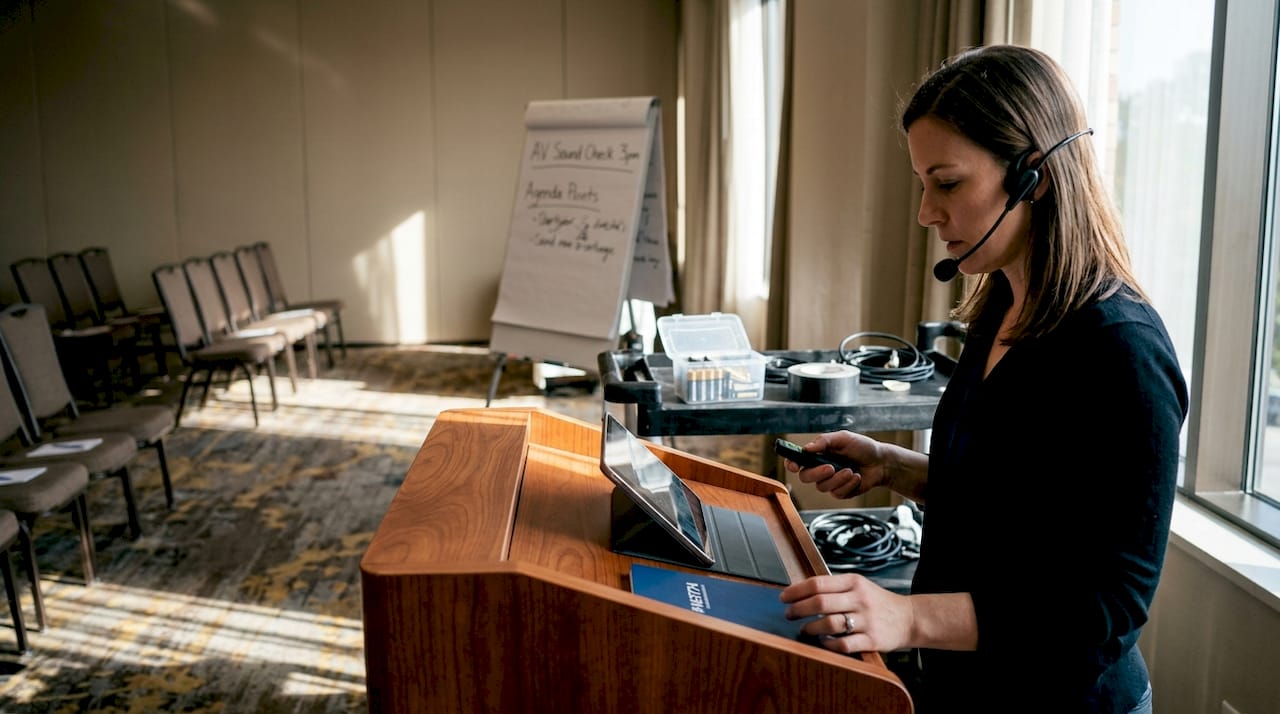
The table below compares basic and advanced AV setups to help you match gear to your event tier:
| AV component | Basic setup | Advanced setup |
|---|---|---|
| Microphones | Single handheld or podium mic | Multiple wireless lapel and handheld mics |
| Display | Standard data projector | High-brightness LED wall or dual screens |
| Audio | Passive speaker system | Line array with digital signal processing |
| Lighting | Fixed overhead lighting | Programmable LED stage and ambient lighting |
| Connectivity | Single HDMI input | Multi-source switching with wireless sharing |
| Control | Manual adjustments | Centralised AV control system |
For a detailed breakdown of what each item does and when to upgrade, the AV equipment essentials resource is worth bookmarking.
Pro Tip: Never debut new equipment at a live event. Run every new piece of gear through a full rehearsal in the actual venue space at least two days before show day. Real-world acoustics and room conditions often reveal issues that testing in a warehouse simply won't.
Integrate technology for seamless presentations
Modern conferences require integrating cutting-edge technology smoothly. Wireless presentation systems, live streaming platforms, and interactive screens have become standard expectations at corporate events. Managing them well is where many venues struggle.
Advanced integration of wireless sharing and remote control increases event engagement and reliability. But the benefits only materialise when integration is planned carefully. Technology that isn't properly configured creates more problems than it solves.
The table below outlines common integration challenges and how to prevent them:
| Issue | Risk | Prevention step |
|---|---|---|
| Device compatibility | Presenter's laptop won't connect | Provide adaptors for all common ports |
| WiFi overload | Streaming drops mid-session | Dedicate a separate network for AV use |
| Software version mismatch | Presentation software crashes | Confirm software versions with presenters in advance |
| Cybersecurity exposure | Unauthorised network access | Use password-protected, event-specific networks |
| Latency in live streaming | Remote attendees experience delays | Test stream quality under full audience load |
For day-of reliability, keep these quick fixes close at hand:
- Carry a set of universal display adaptors (USB-C, HDMI, DisplayPort, VGA) at every event.
- Keep a spare wireless presentation clicker charged and ready.
- Have a wired internet connection available as a fallback if WiFi becomes unstable.
- Pre-load all presentations onto a dedicated event laptop so you're never reliant on a presenter's personal device.
- Assign one team member specifically to monitor streaming quality throughout the event.
Reviewing AV best practices before each major event helps your team stay current with evolving technology standards and integration approaches.
Plan for troubleshooting and contingency
Even with great planning, not every event goes as expected. A proactive troubleshooting plan is what separates venues that recover quickly from those that leave attendees frustrated.
Follow these steps to build a reliable contingency process:
- Conduct a full AV walkthrough the day before the event, testing every input, output, and connection point.
- Create a fault log so your team can quickly identify which component failed and when.
- Assign clear roles so each technician knows exactly which systems they own during the event.
- Keep spare consumables on site: batteries, cables, adaptors, and spare microphone capsules.
- Establish a direct communication channel between your AV team and the event coordinator throughout the programme.
- Know your escalation path so you can reach a senior AV technician or specialist support within minutes if needed.
A clear troubleshooting process and backup plan reduces event disruptions by up to 90%. That figure reflects what disciplined preparation actually achieves in practice.
"Preparation is the best insurance against AV failure."
Common emergency fixes worth knowing:
- Audio feedback: Immediately lower the master volume, then identify and mute the offending microphone.
- Projector signal loss: Check the source input selection and reseat all cables before rebooting.
- Wireless microphone dropout: Switch to a backup channel or swap to a wired microphone without delay.
- Laptop won't connect: Switch to the pre-loaded event laptop immediately and troubleshoot the original device offline.
For venue-specific AV solutions for venues and detailed AV troubleshooting steps, having these resources accessible to your team on event day makes a measurable difference.
The overlooked advantage: proactive AV partnership pays off
Most venue managers invest significant energy into sourcing equipment and building troubleshooting checklists. Both are valuable. But in our experience, the venues that consistently deliver standout conferences share one additional trait: they've built ongoing relationships with skilled AV partners rather than treating every event as a standalone transaction.
Equipment knowledge fades quickly as technology evolves. A trusted expert AV support for venues partner doesn't just show up on event day. They advise you on upgrades before your current gear becomes a liability, flag compatibility issues during planning, and bring institutional knowledge of your specific venue's quirks and capabilities.
The real competitive edge isn't owning the best gear. It's having experienced people who know your space, understand your clients' expectations, and can anticipate problems before they surface. That kind of proactive relationship is difficult to replicate by hiring casual technicians event by event.
Pro Tip: Schedule a quarterly review with your AV partner to assess what worked, what didn't, and what technology shifts are worth planning for. Venues that do this consistently report fewer surprises and stronger client satisfaction scores.
Enhance your venue's events with expert AV solutions
Delivering a technically flawless conference is achievable, but it requires the right support structure behind you. The challenges covered in this article, from equipment selection to technology integration and contingency planning, are exactly what we help venue managers navigate every day.
At Conference Audio Visual, we provide expert AV management tailored to your venue's specific needs, from initial planning through to post-event review. Our experienced team works alongside you to ensure every technical element is covered, so you can focus on delivering an exceptional experience for your clients. Explore our dedicated venue AV support services and find out how we can become your trusted AV partner for every event.
Frequently asked questions
What is the most common AV failure at conferences?
Sound issues rank highest among common AV failures at events, so always check battery levels and test all audio equipment well before guests arrive.
How early should you test AV equipment before an event?
Early and multiple equipment tests dramatically reduce the likelihood of technical failures, so aim for a full test the day before and a final check one hour prior to the event.
Which new AV technologies are recommended for conferences?
Wireless and interactive systems are trending for 2026 corporate events, with wireless presentation tools, interactive screens, and remote support platforms all delivering stronger engagement and reliability.
How can venue managers reduce AV risk for high-profile events?
Contingency planning and expert support mitigate AV risks in critical events, so prepare a detailed troubleshooting checklist, arrange backup gear, and engage a professional AV team well in advance.