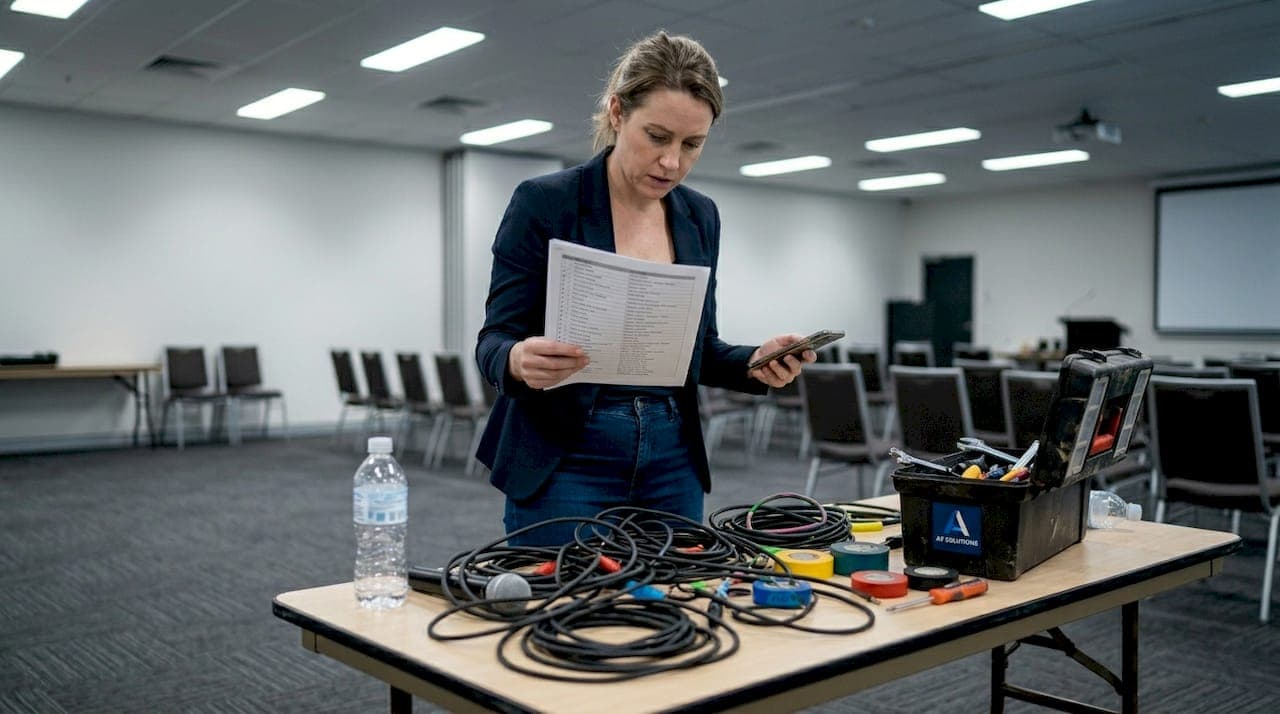
Picture this: your keynote speaker steps on stage, the room falls quiet, and then nothing. No sound. The projector flickers and dies. Guests shift uncomfortably in their seats while your team scrambles behind the curtain. It is a scenario that plays out at corporate events more often than anyone would like to admit, and it almost always comes down to one thing: a lack of systematic AV preparation. A well-structured audio visual checklist is the single most effective tool you have to prevent these moments. This guide walks you through every stage of AV planning, from pre-event preparation through to post-event wrap-up, so your next corporate event runs without a hitch.
Table of Contents
- Why every corporate event needs an AV checklist
- Pre-event essentials: Your AV toolkit and planning table
- Step-by-step AV setup checklist for event day
- Troubleshooting and contingency plans for AV issues
- Post-event AV wrap-up: Verification and next steps
- Get expert AV support for your next event
- Frequently asked questions
Key Takeaways
| Point | Details |
|---|---|
| Checklists prevent problems | A detailed AV checklist helps you avoid common event mishaps and ensures all tech bases are covered. |
| Backups are essential | Always prepare spare equipment, backup power, and contingency roles to handle unexpected issues. |
| Test before event day | Run thorough tests and rehearsals before attendees arrive to catch and resolve technical faults early. |
| Review and refine | Use feedback and event outcomes to update your AV checklist, ensuring even smoother organisation next time. |
Why every corporate event needs an AV checklist
Understanding event audio visual as a discipline means recognising that even minor oversights carry real consequences. A microphone that cuts out mid-presentation, a display that shows the wrong resolution, or a video feed that lags by two seconds can shatter attendee focus and undermine your brand's credibility. These are not rare edge cases. They are predictable failures that a checklist directly prevents.
An AV checklist is a structured document that covers every piece of core AV equipment, every team role, and every contingency scenario relevant to your event. It transforms a complex technical setup into a repeatable, manageable process. Here are the top four problems a solid checklist solves:
- Unplanned equipment failure: Identifies backup hardware requirements before the event, not during it.
- Role confusion on the day: Assigns clear responsibilities to each team member so no task falls through the cracks.
- Poor sound and display quality: Ensures all audio and visual components are tested and calibrated in advance.
- Slow incident response: Establishes protocols so your team reacts quickly and confidently when something goes wrong.
"Redundancy and contingency plans are the backbone of reliable events."
As the AV contingency planning checklist makes clear, implementing redundancy and contingency plans is essential to avoid event failure. A checklist is how you make that principle operational.
Pre-event essentials: Your AV toolkit and planning table
With a clear understanding of why the checklist matters, it is time to map out the right tools and team before the big day. The table below outlines the core equipment categories, the staffing roles that support them, and the backup requirements you should confirm well in advance.
| AV category | Primary equipment | Staffing role | Backup requirement |
|---|---|---|---|
| Audio | Wireless microphones, mixing desk, speakers | Lead audio technician | Spare mics, backup frequencies |
| Visual display | Projectors, LED screens, media players | Visual technician | Secondary projector, spare cables |
| Lighting | Stage lighting, spotlights, dimmers | Lighting operator | Spare globes, manual override |
| Recording | Cameras, capture cards, streaming encoder | Recording technician | Backup recording device |
| Control | Laptops, presentation remotes, switchers | AV coordinator | Spare laptop, USB backups |
Understanding AV essentials for events means going beyond the equipment list. Your AV technician roles must be clearly defined and communicated before anyone sets foot in the venue. As backup hardware and roles are vital for event risk management, every role on your team should have a documented fallback plan.
Beyond equipment and staffing, your venue environment shapes every AV decision you make. Consider these factors during your pre-event planning:
- Room acoustics: Hard surfaces reflect sound and create echo. Soft furnishings and carpeting absorb it. Know your room before you set speaker positions.
- Ambient light levels: Natural light from windows can wash out projected images. Check the venue at the same time of day as your event.
- Power supply capacity: Confirm the venue's power load capacity with the site manager. Running too many devices on a single circuit is a common cause of outages.
- Wi-Fi and network reliability: Streaming, live polling, and digital signage all depend on a stable connection. Test bandwidth under load conditions.
- Cable routing and safety: Plan cable runs to avoid trip hazards and interference from other electrical equipment.
Pro Tip: Arrive at the venue at least three hours before your event starts. Test every connection, confirm power supply stability, and run a full sound check with the actual microphones and speakers you will use on the day.
Step-by-step AV setup checklist for event day
With everything prepared, executing the checklist in sequence on event day is where preparation becomes performance. Follow this numbered checklist to cover every critical AV task:
- Confirm all equipment has arrived and matches the inventory list.
- Set up and power on all audio components, including mixing desk and speakers.
- Conduct a full sound check at the volume levels planned for the event.
- Connect and test all display screens, projectors, and media players.
- Verify all presentation files load correctly on the designated laptop.
- Test wireless microphone frequencies and confirm no interference is present.
- Check all lighting rigs, dimmers, and spotlight positions.
- Confirm backup systems are powered on and ready to switch over instantly.
- Run a full rehearsal with the presenter or MC using live equipment.
- Brief all AV team members on their roles and the contingency protocols.
The table below compares a standard setup approach with a contingency-focused approach, so you can see exactly where the difference lies.
| Setup element | Standard approach | Contingency approach |
|---|---|---|
| Microphones | One wireless mic per speaker | Two mics per speaker, spare on standby |
| Projector | Single unit, tested once | Primary plus backup unit, both tested |
| Presentation files | Loaded on one laptop | Loaded on two laptops plus USB backup |
| Internet connection | Venue Wi-Fi only | Venue Wi-Fi plus 4G/5G mobile hotspot |
| Power | Single power board | Dedicated circuits with UPS (uninterruptible power supply) |
Following a clear AV workflow strategy and applying solid AV coordination tips will help your team move through setup efficiently. A well-documented AV management process also gives your client confidence that every detail is under control.
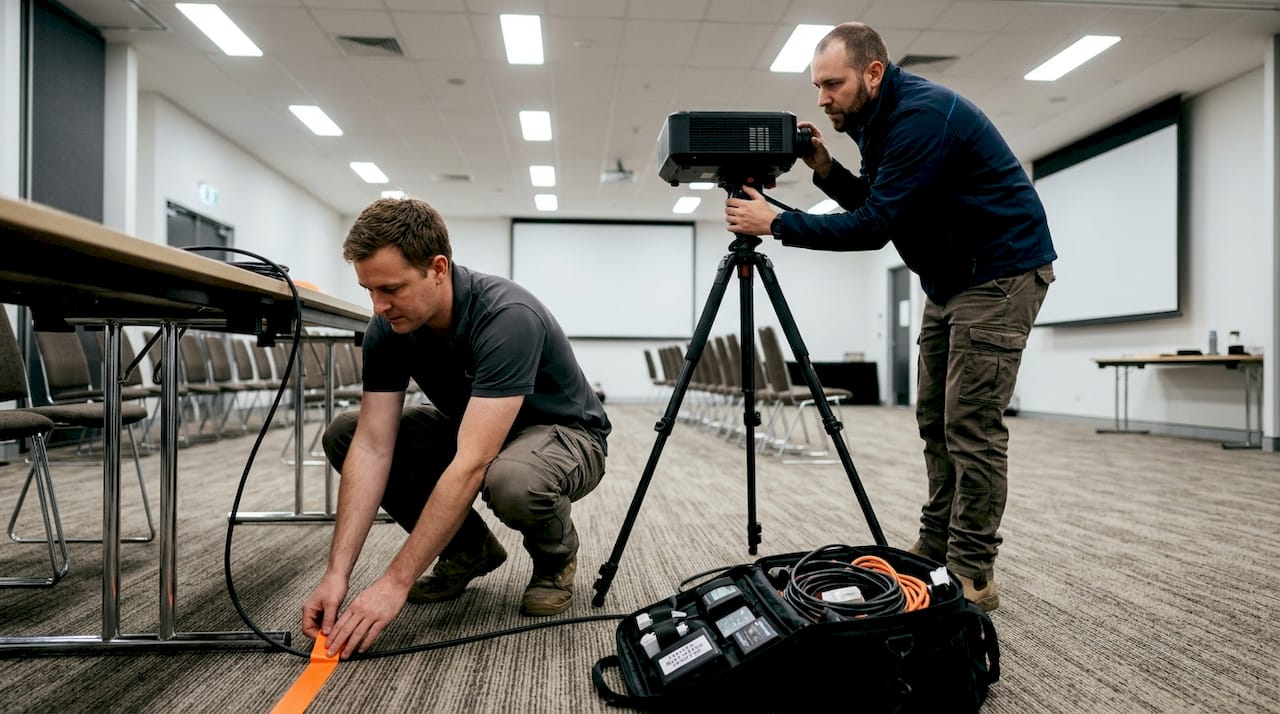
As redundancy in mics, frequencies, and backup plans is essential, treat every backup system as equally important as the primary.
Pro Tip: Assign one team member specifically as the on-the-day problem-solver. This person does not manage a single piece of equipment. Their only job is to monitor the room, identify issues as they emerge, and act immediately.
Troubleshooting and contingency plans for AV issues
Even with careful preparation, problems can occur. Here is how to stay ready for anything on event day. The most common live AV issues and their quick fixes include:
- Microphone feedback (squealing): Move the mic away from the speaker stack or reduce the gain on the mixing desk immediately.
- Projector signal loss: Check the HDMI or DisplayPort cable connection first, then switch to the backup laptop if the issue persists.
- Audio dropouts: Switch to the backup microphone frequency or the spare wired microphone without delay.
- Screen flickering or colour distortion: Replace the display cable. If the issue continues, switch to the backup display source.
- Streaming failure: Activate the mobile hotspot backup and notify the streaming platform operator.
- Power outage: Switch to the UPS immediately and contact the venue's facilities manager.
"Crisis protocols and delegated roles are essential for event AV risk management."
Crisis protocols and role assignments are key to managing AV emergencies effectively. Your AV technician crisis roles should be documented, rehearsed, and understood by every member of the team before the event begins.
Environmental factors deserve specific attention. Air conditioning units can create low-frequency hum that bleeds into microphone feeds. Position mics away from AC vents where possible. Temperature extremes also affect equipment performance, particularly projector lamps and mixing desk electronics. Keep the technical area at a stable, moderate temperature throughout the event.
Post-event AV wrap-up: Verification and next steps
Once the event wraps up, the AV journey is not done. Closing the loop properly ensures continuous improvement for every event that follows. Your post-event AV wrap-up should include:
- Equipment check: Inspect all gear for damage before it is packed down and returned or stored.
- Data backup: Confirm all recordings, presentation files, and event data are saved to at least two separate locations.
- Feedback collection: Gather input from presenters, the event manager, and attendees about their audio and visual experience.
- Incident log review: Document every technical issue that occurred, no matter how minor, and note how it was resolved.
- Checklist update: Revise your master checklist to reflect any gaps or improvements identified during the event.
Systematic debriefs and checks ensure event data and equipment integrity are maintained after every event. Reviewing your post-event AV workflow with your full team within 48 hours of the event is the most effective way to capture accurate feedback while details are still fresh.
A structured debrief also builds team capability over time. Each event becomes a learning opportunity, and your checklist evolves into a living document that reflects real-world experience rather than theory alone.
Get expert AV support for your next event
Managing a detailed AV checklist across a large corporate event is a significant undertaking. Having the right partner makes the difference between a stressful scramble and a smooth, professional delivery.
At Conference Audio Visual, we work with corporate event planners across Australia to take the complexity out of AV management. From AV equipment hire options that cover every item on your checklist, to experienced technicians who understand AV for corporate events inside and out, we provide end-to-end support tailored to your event's specific needs. Our team brings seamless AV technology solutions and dedicated account management to every engagement, so you can focus on your programme while we handle the technical detail. Reach out to our team today to discuss your next event.
Frequently asked questions
What are the must-have items on an event audio visual checklist?
Core items include microphones, speakers, projectors, spare cables, backup batteries, control devices, and clearly assigned team roles for troubleshooting. Essential AV equipment also includes backup hardware and defined responsibilities for every technician on site.
How can I avoid AV failures during my event?
Ensure redundancy for all critical equipment, establish contingency plans before the event, and assign a dedicated technician whose sole focus is immediate troubleshooting. Redundancy and contingency are the two most critical factors in AV reliability.
What is the role of contingency planning for event AV?
Contingency planning ensures that when technical issues arise, your team responds rapidly and with confidence, preventing disruptions from affecting the attendee experience. Crisis protocols and delegated roles are essential for effective AV risk management.
Who should manage the AV checklist during an event?
An experienced AV technician or your designated event manager should oversee checklist completion and coordinate live problem-solving, supported by clearly assigned roles for every team member.
How do I update my AV checklist for future events?
Gather feedback from your team and attendees after every event, document all technical issues encountered, and revise your checklist to address those gaps before your next event.