TL;DR:
- Proper preparation, regular testing, and a troubleshooting kit are essential for managing AV issues during events.
- Common solutions include reseating cables, adjusting audio settings, and power cycling displays to resolve typical problems.
- Preventative measures and professional support help ensure smooth AV performance and quick resolution of complex faults.
The projector goes dark mid-presentation. The microphone cuts out during a keynote address. The video call drops just as the CEO begins speaking. These moments are every event organiser's nightmare, and they happen more often than anyone would like to admit. Poor AV impacts productivity for 67% of workers, which means the stakes at your next corporate conference are very real. Having a clear, practical troubleshooting approach is not optional. It is essential. This guide walks you through exactly what to prepare, how to respond, and when to call in the experts.
Table of Contents
- What you need to troubleshoot AV systems
- Step-by-step guide to fixing common AV problems
- Checklist and table: Troubleshooting different AV scenarios
- Prevention strategies and when to call in AV professionals
- A fresh perspective on AV troubleshooting for conferences
- Expert AV solutions for worry-free events
- Frequently asked questions
Key Takeaways
| Point | Details |
|---|---|
| Essential toolkit | Carrying spare adapters and running equipment pre-checks can prevent most AV mishaps. |
| Step-by-step fixes | Follow systematic troubleshooting for audio, visual, and remote meeting issues to resolve them efficiently. |
| Use quick-reference tables | Having tables and checklists on hand lets you match symptoms with solutions rapidly during events. |
| Prevention matters | Routine maintenance and training are your best defences against repeat AV faults at conferences. |
| Know when to escalate | Call in professional support if the problem is beyond basic troubleshooting or threatens event success. |
What you need to troubleshoot AV systems
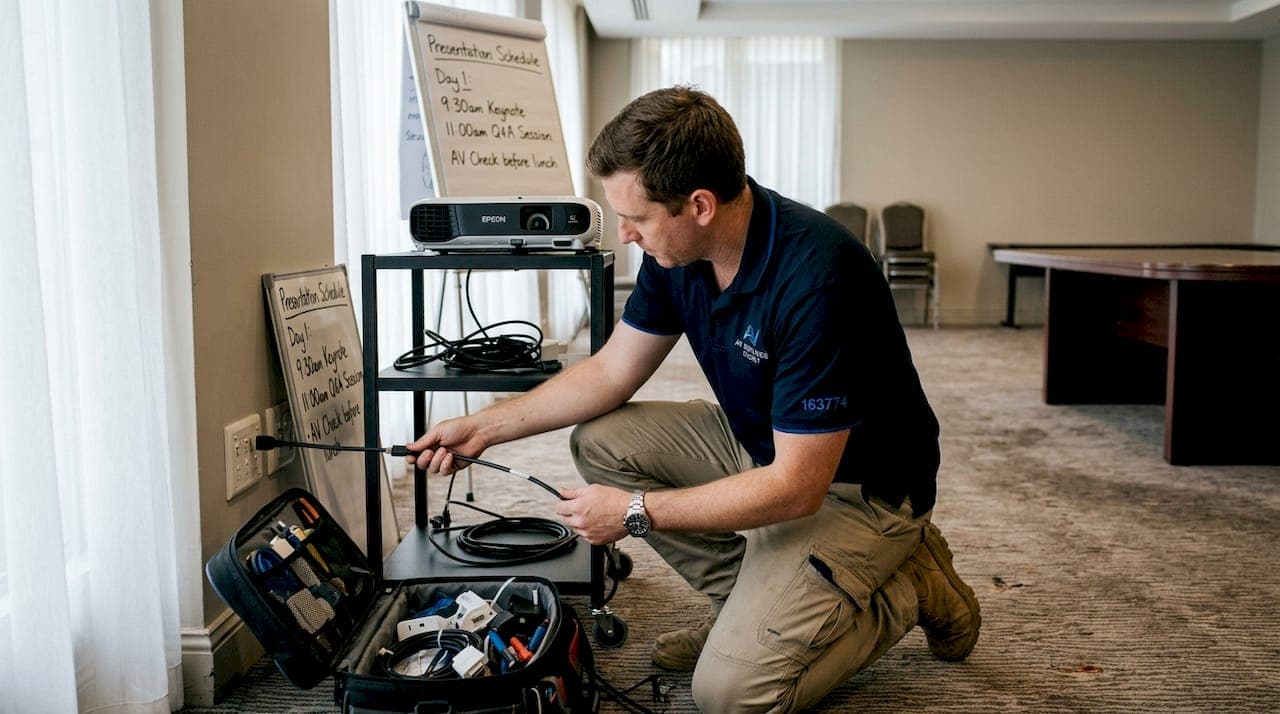
Before you jump into trying to fix a problem, it is critical to ensure you are prepared with the right gear. Walking into a venue without a troubleshooting kit is like a surgeon arriving without instruments. You may know exactly what to do, but you cannot do it without the right tools.
Your essential AV troubleshooting kit should include:
- Spare cables: HDMI, USB-C, XLR, and 3.5mm audio cables in multiple lengths
- Universal adapters: DisplayPort to HDMI, USB-C to HDMI, and VGA to HDMI converters
- Cleaning supplies: Microfibre cloths and contact cleaning spray for connectors
- A signal tester: To verify cable integrity without needing a full system setup
- Spare batteries and power banks: For wireless microphones and remote controls
- A printed checklist: Because screens fail at the worst moments
Standardising HDMI and USB-C connections and carrying universal adapters prevents the most common connectivity issues before they escalate. This single habit alone can save you from the majority of display-related failures.
Here is a quick comparison of the connectors you are most likely to encounter:
| Connector | Typical use case | Signal type |
|---|---|---|
| HDMI | Projectors, displays, laptops | Audio and video |
| USB-C | Modern laptops, tablets | Audio, video, and data |
| XLR | Microphones, mixing desks | Balanced audio |
| 3.5mm | Headsets, basic speakers | Unbalanced audio |
| DisplayPort | High-resolution displays | Audio and video |
For guidance on coordinating AV equipment across a full conference setup, a structured approach from the outset saves significant time on the day.
Pro Tip: Always conduct a dry run with all equipment at least 24 hours before the event. This gives you time to source replacements if something is faulty, rather than scrambling on the morning.
Step-by-step guide to fixing common AV problems
With your toolkit assembled, you are ready to tackle these common AV problems as they appear. Speed matters during a live event, so having a clear sequence to follow keeps you calm and efficient.
-
Connectivity faults: Start by reseating all cables firmly at both ends. Swap the cable entirely if reseating does not resolve the issue. Test with a different adapter if the connection type is the suspected fault. Never assume a cable is fine just because it looks undamaged.
-
Audio issues: Check that no device is muted, including the mixing desk, the laptop, and the room speakers. Test the microphone on a separate channel. If feedback (that high-pitched squeal) occurs, move the microphone away from the speaker and reduce the gain on the desk. Poor audio is often caused by issues that are entirely avoidable with absorbing panels and thorough pre-checks.
-
Visual display errors: Confirm the correct input source is selected on the display or projector. Power cycle the display by switching it off, waiting 30 seconds, and restarting. Clean the HDMI or DisplayPort connector with a dry microfibre cloth.
-
Remote meeting glitches: Check the internet connection speed using a phone hotspot as a backup. Restart the conferencing software. If the issue persists, switch to a wired ethernet connection immediately.
Understanding conference AV basics gives you the foundation to diagnose problems faster, while following AV best practices ensures your response is systematic rather than reactive.
The fastest troubleshooters are not the ones with the most technical knowledge. They are the ones with the clearest process.
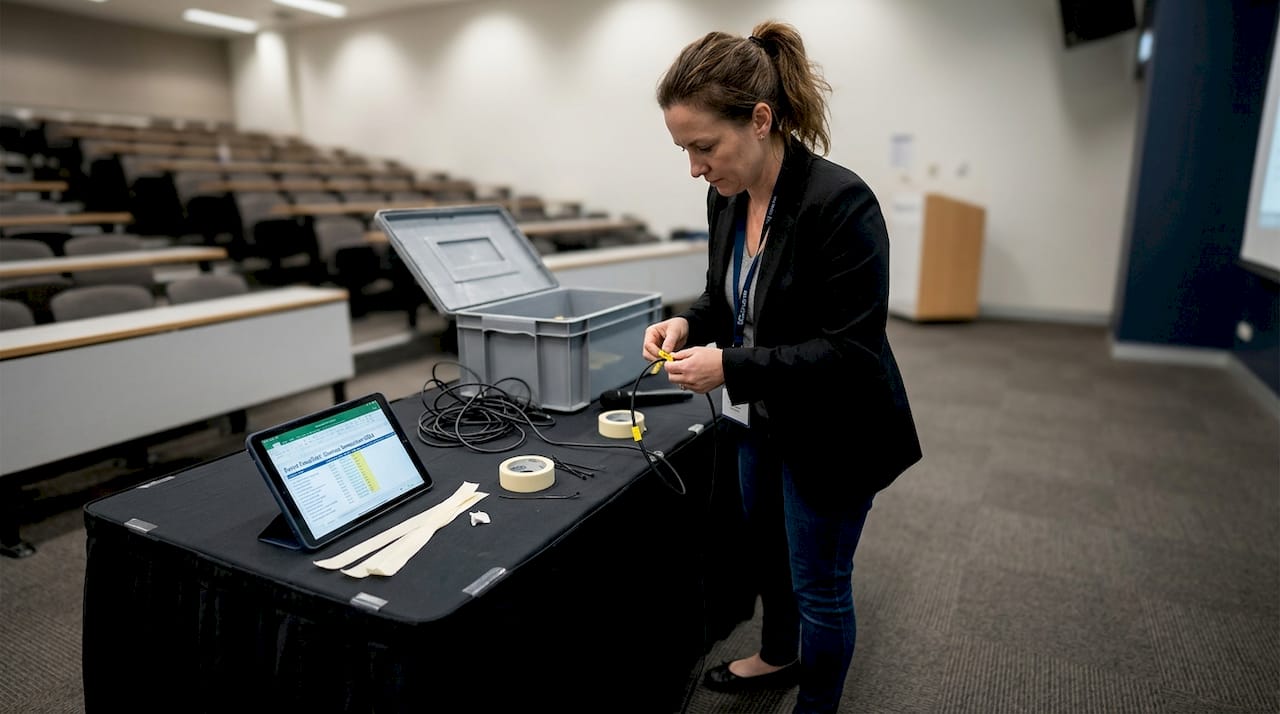
Pro Tip: Label every cable at both ends with a small tag or coloured tape before the event. When you are troubleshooting under pressure, knowing exactly which cable connects where removes one major source of confusion.
Checklist and table: Troubleshooting different AV scenarios
While step-by-step guides are valuable, having quick reference tools at hand can accelerate problem solving during a live event. The table below maps common symptoms to their most likely causes and fastest fixes.
| Symptom | Probable cause | Fastest solution |
|---|---|---|
| No image on screen | Wrong input selected | Switch input source on display |
| Audio cutting in and out | Loose cable connection | Reseat or replace audio cable |
| Microphone feedback | Mic too close to speaker | Reposition mic, lower gain |
| No sound from speakers | Muted channel on desk | Unmute and check volume levels |
| Video call dropping | Weak internet connection | Switch to wired ethernet |
| Projector not responding | Power or lamp fault | Power cycle and check lamp status |
Use this quick checklist when a problem arises and you need a structured starting point:
- Identify the specific symptom clearly before touching anything
- Check power to all affected devices
- Verify all cable connections are secure
- Confirm input and output settings are correct
- Test with a spare cable or adapter from your kit
- Restart the affected device if the above steps fail
- Escalate to a technician if the issue is unresolved after two minutes
The urgency here is real. 67% of workers believe poor AV impacts their productivity, which means every minute of downtime at your event carries a measurable cost to your delegates and your organisation's reputation.
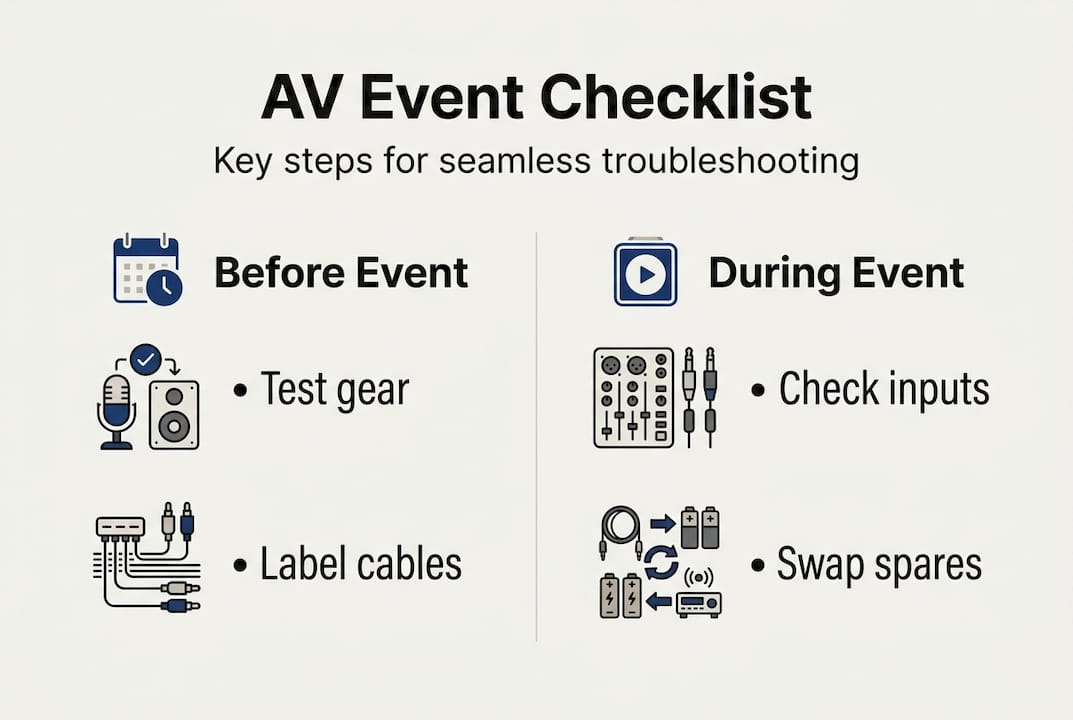
For a thorough pre-event preparation resource, the AV event checklist covers every system you need to verify before doors open.
Prevention strategies and when to call in AV professionals
Effective troubleshooting is supported by strong prevention habits and knowing when a problem requires professional help. Reactive fixes are always more stressful than proactive ones.
Here are the prevention practices that make the biggest difference:
- Routine system checks: Test every piece of equipment at least one week before the event. Replace anything that shows signs of wear.
- Cleaning and maintenance: Dust and debris inside connectors cause intermittent faults. Clean all ports and connectors after every event.
- Test calls and signal checks: Run a full signal path test, from source to display to speaker, on the day before the event.
- Staff training: Brief all relevant team members on basic AV operation. A presenter who knows how to switch inputs or unmute a microphone is an asset.
- Intuitive labelling: Mark every input, output, and control clearly so anyone can follow the setup without specialist knowledge.
Regular maintenance and pre-event assessments prevent the majority of AV faults before they occur. This is not a complicated principle. It is simply a commitment to preparation.
Knowing when to escalate is equally important. Call in a professional AV technician when: the fault involves internal equipment components, when the issue persists after your full troubleshooting sequence, or when critical systems such as main stage audio or primary display fail during a live session. Understanding the AV technician roles at a corporate event helps you know exactly who to contact and what to ask for. For larger events, boosting event audio through professional support is a worthwhile investment.
Pro Tip: Keep a written log of every AV issue that occurs at each event, including the symptom, cause, and fix. After three or four events, patterns emerge that allow you to eliminate recurring faults entirely.
A fresh perspective on AV troubleshooting for conferences
Here is something the industry does not say loudly enough: most AV failures are not equipment failures. They are planning failures and communication failures.
We see this consistently. An organiser invests in state-of-the-art displays and premium speakers, then the event still struggles because no one briefed the presenter on how to connect their laptop, or the venue's technician was not told the programme had changed. The technology performed exactly as designed. The process around it did not.
The organisations that recover fastest from AV problems are not the ones with the newest gear. They are the ones whose team anticipated the three most likely failure points before the event started and prepared a response for each. That kind of thinking is a discipline, not a talent.
Investing in AV technology strategies matters, but it delivers its full value only when paired with equally strong human processes. Training, communication, and rehearsal are the real reliability multipliers. The equipment is simply the tool.
Expert AV solutions for worry-free events
If you want peace of mind beyond the DIY troubleshooting steps, external help can make all the difference. Great planning and professional equipment work together, and that is exactly what we provide at Conference Audio Visual.
We offer tailored audio visual equipment hire for corporate events of all sizes across Australia, backed by experienced technicians who understand the pressure of live events. Our team also provides a detailed event AV checklist to help organisers prepare thoroughly before the day arrives. From single-room conferences to multi-day summits, we handle the technical complexity so you can focus on delivering a successful event.
Frequently asked questions
What are the top causes of AV failures at conferences?
The most common causes are faulty or loose cables, incorrect input settings, software conflicts, and staff who have not been briefed on basic AV operation. Standardising HDMI and USB-C connections and pre-testing all systems before the event eliminates the majority of these faults.
How can I quickly fix no sound or microphone issues?
Ensure all cables are firmly connected, check that no channel is muted on the mixing desk or device, and swap to a spare microphone if the fault persists. Check connections and pre-test audio equipment the day before to avoid this situation entirely.
When should I call a professional AV technician during a conference?
If issues persist after your full troubleshooting sequence or if a critical system such as main stage audio or primary display fails, bring in a specialist immediately. Technician expertise and complex systems are especially important at large-scale events where self-resolution is not realistic.
How do I prevent AV issues at future events?
Carry out regular equipment maintenance, schedule a full technical check the day before each event, and provide basic AV training for all staff involved in the programme. Maintenance and pre-event checks consistently reduce the frequency and severity of AV faults across events.